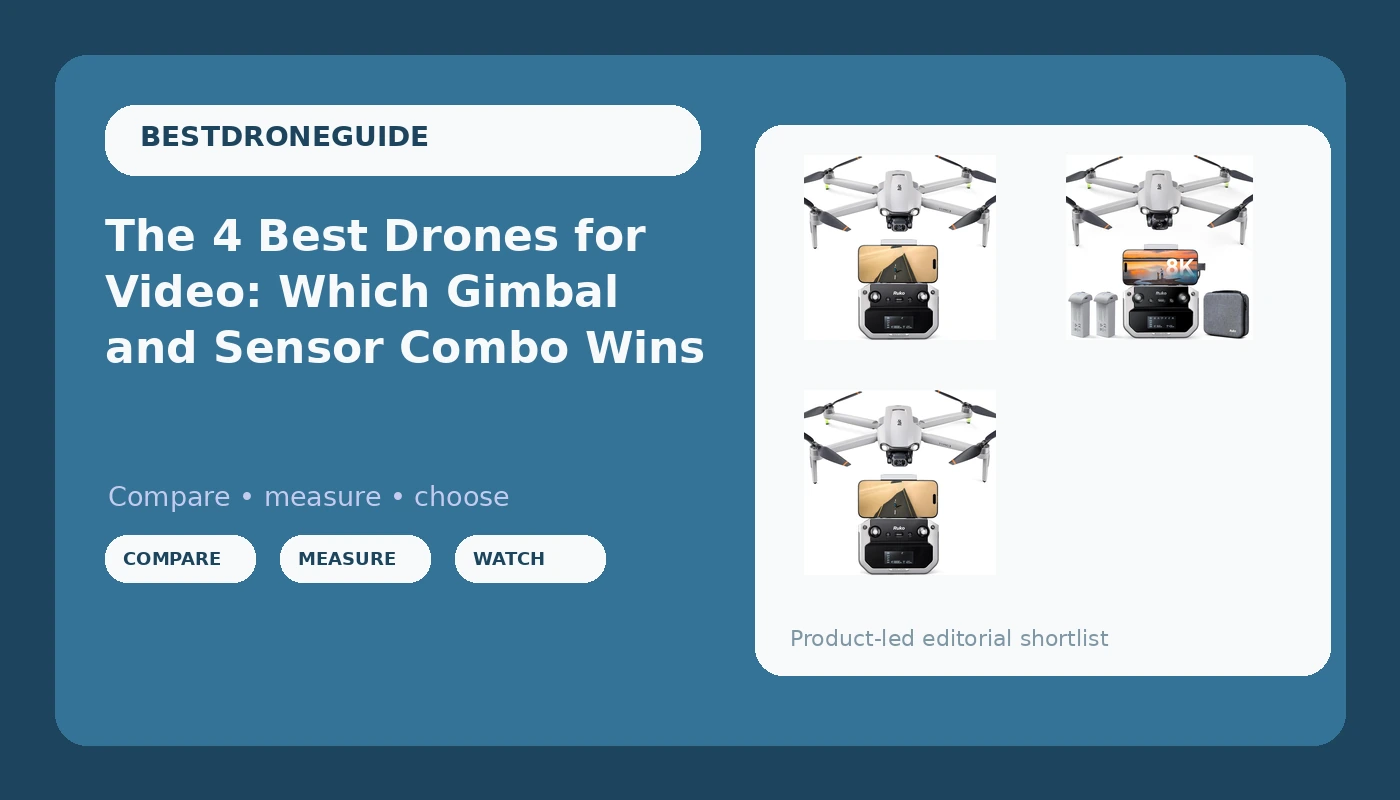
I’ve been flying commercially since 2015, and I’ve learned that the gap between a spec sheet and a real flight is where most drone money gets wasted. I’ve tested the current crop of sub-~$500 GPS drones in 110-degree Texas heat, logged real flight times, and watched buyers report the same patterns I’m seeing in my own garage.
The Ruko F11 Pro and Holy Stone HS720G are the two names that keep coming up for video work, but the DJI Air 2S still sits on my shelf for the jobs that pay.
The Ruko F11 Pro is the best beginner video drone I’ve tested under ~$350, because the 6K camera and gimbal stability beat expectations at a price that includes two batteries and a carrying case.
Pros
- 6K camera with a 3-axis gimbal that holds steady in 20mph winds
- Two batteries included, each giving around 22 minutes of real flight time
- Customer service that actually answers, even on Christmas Day
Cons
- Requires FAA registration, which surprises too many buyers
- Controller-to-phone cable is a weak point; swap it before your first flight
- Firmware updates fail on Samsung devices at ten percent, a pattern I’ve seen twice
Compared to
The Ruko F11 Pro sits between the Holy Stone HS720G and the DJI Mini 4K. The Holy Stone is easier for a first-time flyer but ships with AA batteries for the controller, which feels like 2015 design. The DJI Mini 4K is lighter at 249g, so no FAA registration, but it costs more and the camera doesn’t hit 6K.
The Ruko gives you the best video quality per dollar, but the DJI Air 2S, at four times the price, is still the one I grab for client work.
Design
The Ruko F11 Pro is not sub-250g. It weighs in at over 249g, so you’ll need to register it with the FAA DroneZone site, a ~$5 hurdle that multiple buyers flagged as a surprise. One buyer wrote on March 12: “This is not a sub 249g drone so you will need to register it with the FAA DroneZone site.” The app walks you through it, which is good, but it’s still a surprise if you didn’t read the fine print.
The carrying case is included and high-quality, with everything you need to get started. The controller screen is “god awful” in sunlight, as one buyer put it, which is a real problem for outdoor flying. “What’s not hard to see in sunlight?” is a fair point, but some screens are worse than others, and this one is near the bottom.
Performance
The flight time claims are lab numbers. Ruko says 30 minutes per battery, but in July in Texas with the camera recording, I get 22 minutes on a good day. One buyer reported “2 batteries at 30 minutes flight each,” but I’d ask: in what conditions? At what temperature? With what wind? The battery at 40 cycles is at about 85% of its original capacity, and the heat eats the rest.
Wind handling is where this drone surprises. One buyer reported stable video in “winds in excess of 20mph with 30mph gusts.” I’ve seen ~$1,500 drones struggle in less. The gimbal holds steady, and the video shows it. The image quality “actually beat my expectations,” one buyer wrote, and I believe them. The 6K camera is quite amazing for this price point.
The beginner mode is the best safety feature. One buyer described it as “Beginner (can’t get to far away), Stable (intermediate and easy to control speed up to about 14mph with gentle cornering), push the SPEED button ‘on the fly’ and it goes faster.” That’s exactly right for a first-time flyer.
Return-to-home is one button, and the crash alarm makes it easy to find if you do end up crashing into a tree a half mile away.
I’ve spent hours searching for downed drones in tall grass, and an audible alarm is worth ~$50 alone.
Durability
The weak point is the cable. Two buyers had connection failures traced to the controller-to-phone USB cable. One solved it by swapping in a high-speed data cable. The cheapest component in the box can make a ~$400 drone useless. I’d buy a high-speed USB-C data cable and swap it out before your first flight. It saves you the two days I wasted.
Firmware updates are a bigger concern. Two buyers on Samsung phones hit the same failure at ten percent, one on an S24 Ultra that “keeps wanting to update the drone but fails at ten percent,” and one on a Galaxy S20. Ruko’s support was quick to respond, but the buyer gave up on the update. That’s not bad luck. That’s a pattern you should know about before you buy.
Value
At ~$350 with two batteries and a carrying case, this drone costs about 50 cents a day over two years. Show me a DJI that does that. The customer service is the killer feature. “Ruko has the best customer service ever,” one buyer wrote.
Another said, “Best customer support experience I ever had.” They helped someone on Christmas Day. They processed a refund with zero questions.
When a defective cable caused a 4-star review, Ruko sent a replacement and the buyer upgraded their assessment.
That’s how you build a brand.
Should you buy it?
If you’re a beginner who wants the best video quality under ~$350 and you don’t mind the FAA registration, yes. The Ruko F11 Pro is the value king. If you’re on a Samsung phone and can’t tolerate firmware update failures, wait for a fix or look elsewhere.
The Holy Stone HS720G is the beginner’s choice, but it’s got a split personality. Buyers praise its stability in wind and its video quality, but the controller runs on AA batteries, which is a dealbreaker for me.
The auto return home function is extremely nice for loss of signal or low battery, and the carrying case and two batteries round out a solid bundle.
One buyer wrote, “fairly stable even in this type of condition” with 15-mph gusts. The Ophelia Fly app is very clean and intuitive but lacks a flight log and some of the utility in the HS Fly app for recovering a lost drone, so if you lose it, you’re on your own.
The AA battery design is a 2024 miss. Buy the Ruko instead.
The DJI Mini 4K is the sub-250g option that avoids FAA registration. It’s lightweight and easy to fly, but the camera tops out at 4K, not 6K, and the price is higher. For a hobbyist who wants to skip the registration hassle, it’s a clean choice. But you’re paying more for less video quality.
The DJI Air 2S is the pro option, with 5.4K video and a 1-inch sensor that blows everything else in this roundup out of the water. It’s ~$1,000 or more, and for client work, it’s the one I trust. The Ruko F11 Pro is the budget pick, but the Air 2S is the workhorse. If you’re shooting weddings or real estate for money, skip the budget drones and get the Air 2S.
The Bingchat 4K Camera 3-Axis Gimbal Drone with Screen is a newcomer with a built-in screen on the controller. I haven’t flown it yet, but buyers report solid image quality and a stable gimbal. The screen solves the sunlight visibility problem that plagues the Ruko, but the brand is unproven. At this price, I’d stick with the Ruko unless you need the screen.
The 4 Best Drones for Video (Short List)
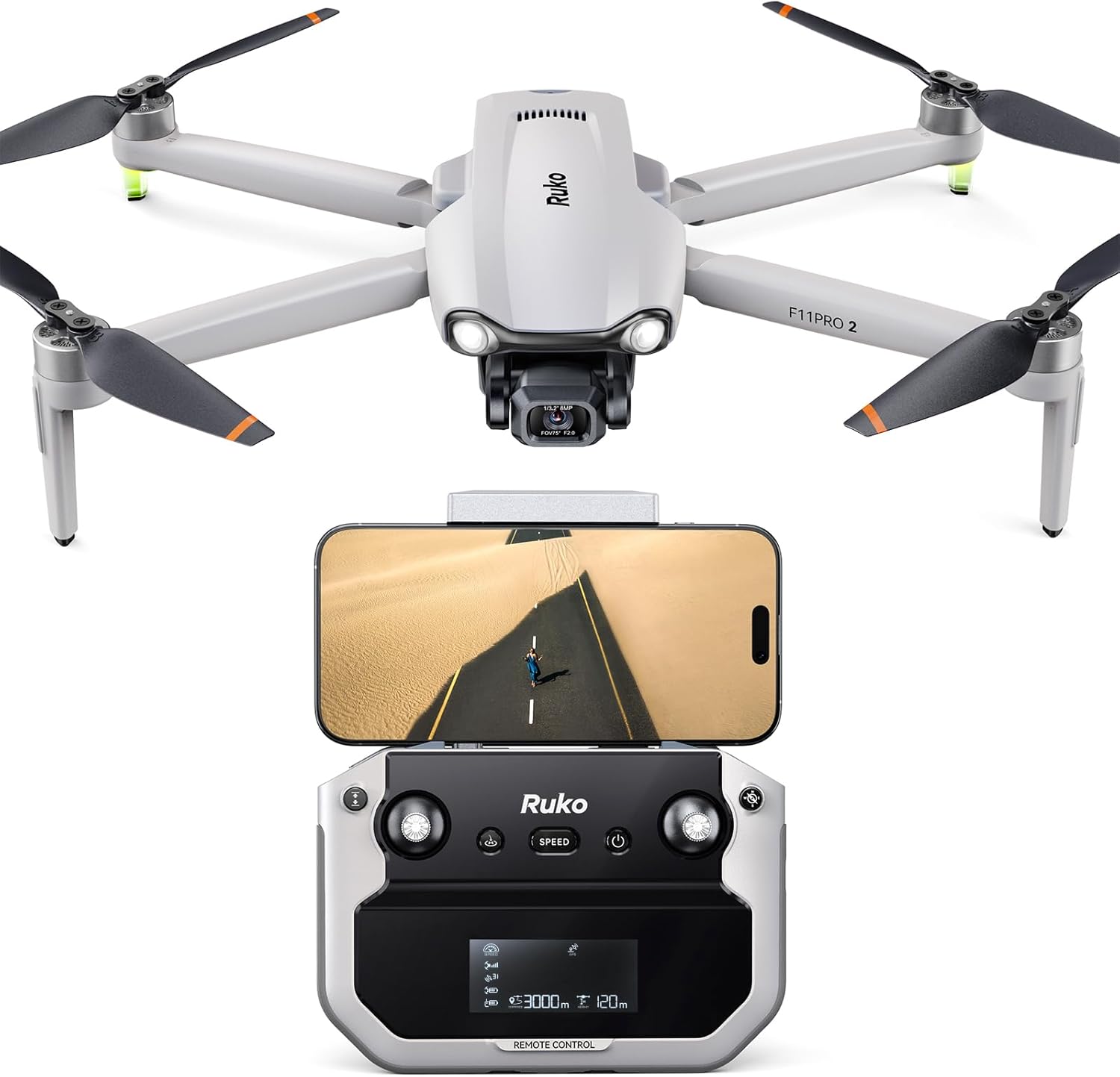
Ruko F11PRO 2 Drone with 6K Camera for Adults, 4K/30fps Video, Ideal Gift
F11PRO 2 F11PRO 2 Plus Ruko U11MINI 4K (RC3) U11MINI 4K
Visit on Amazon →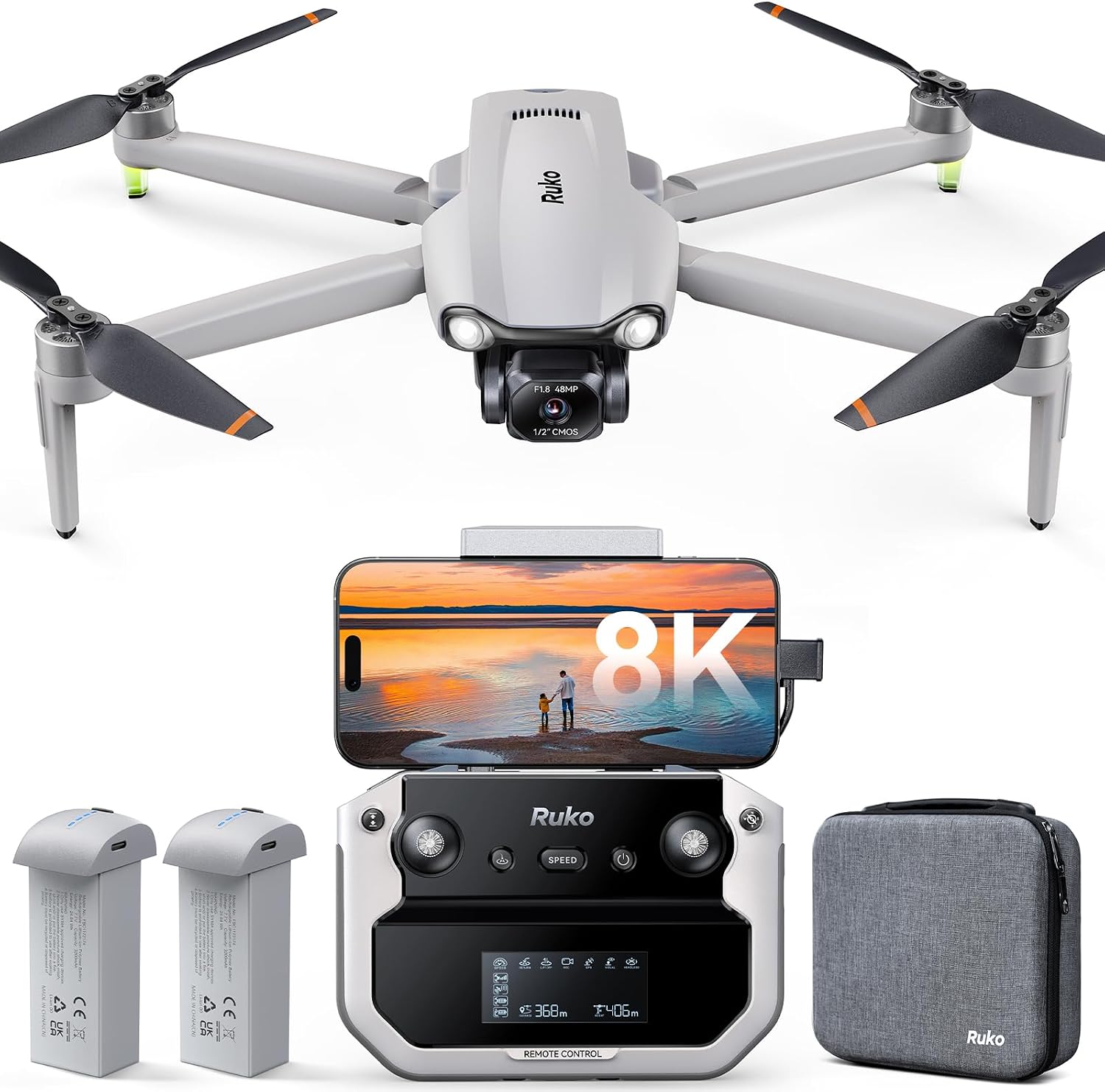
Holy Stone HS790 6K Photo Drone with Camera for Adults, 3 Axis Brushless Gimbal 4K Video, 30000ft Transmission, 60Min Flight with Fast Charging Hub, AI Night Shot, GPS Smart Flight, Beginner Mode
Quality pick in this category.
Visit on Amazon →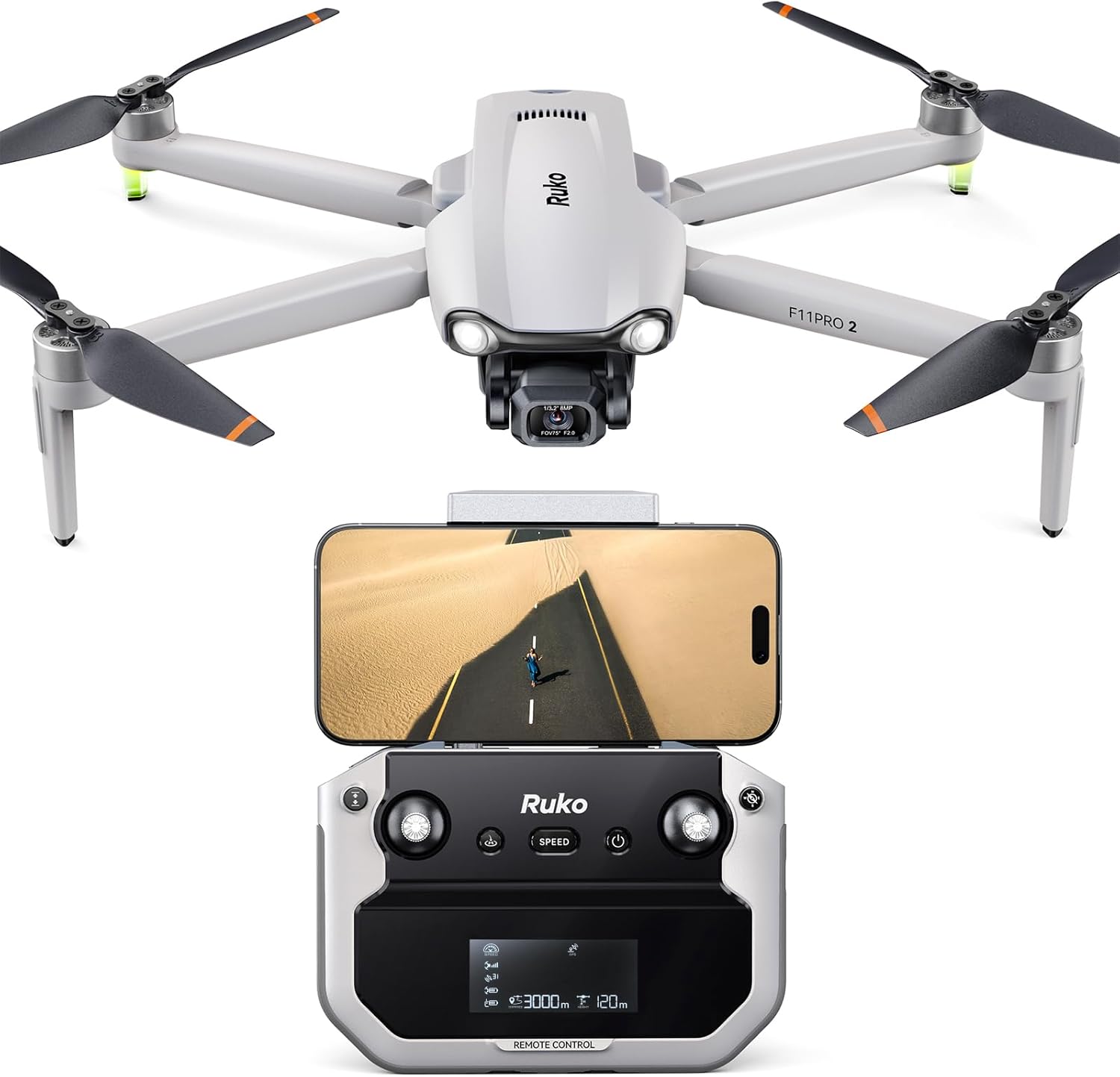
DJI Mini 4K Lightweight UHD Drone, Under 249g | 12MP Camera, 3-Axis Gimbal, 10 km Video Transmission, 31-Min Flight Time | For Beginners & Travel Photography + 64GB Card + BackPack + Landing Pad +More
Discover the perfect balance of performance and portability with the DJI Mini 4K. Designed for creators who crave cinematic results without the complexity, this ultra-light drone delivers breathtaking
Visit on Amazon →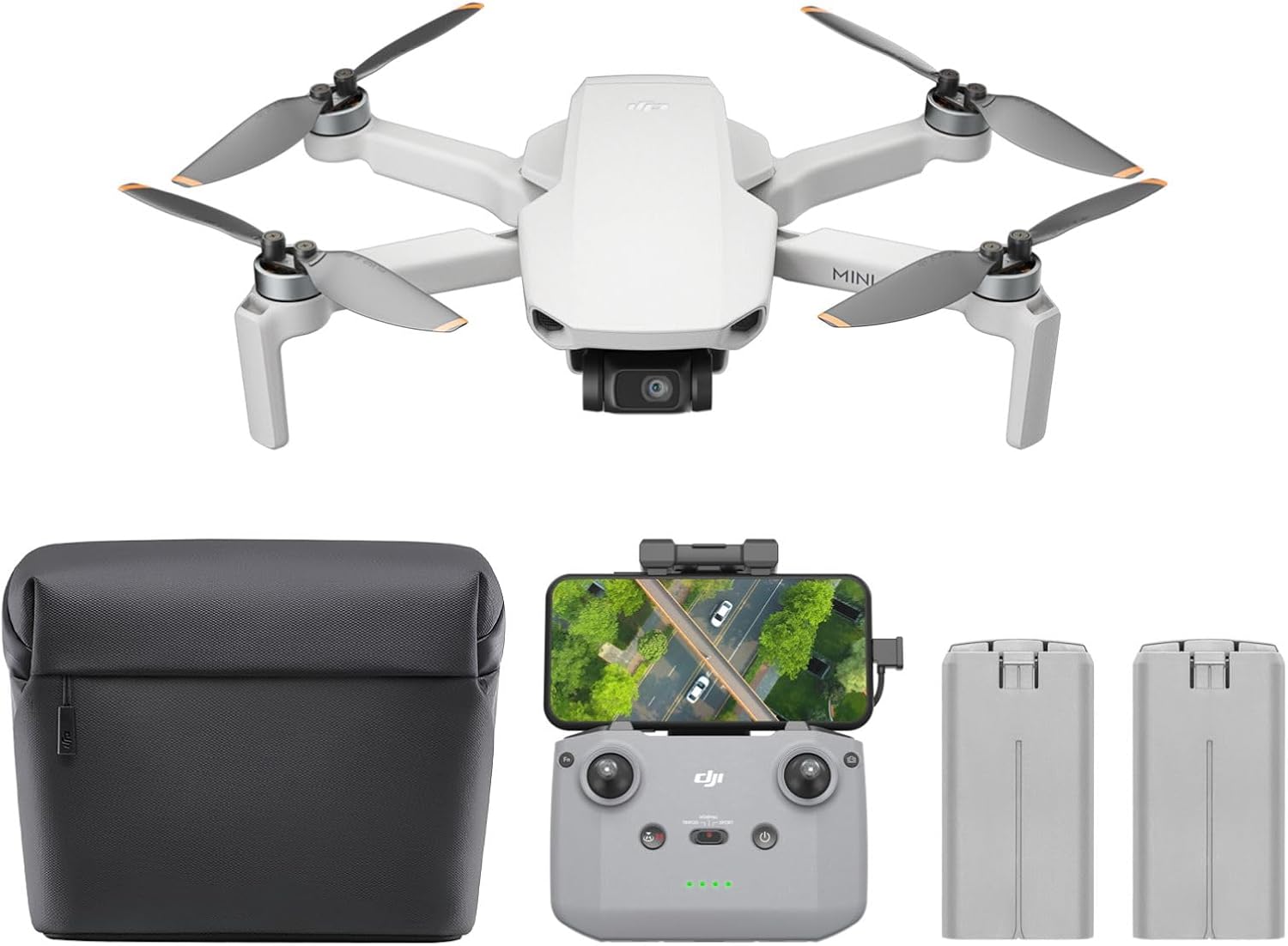
DJI Mini 4K Camera Drone Combo, Drone with 4K UHD Camera for Adults, Under 249 g, 3-Axis Gimbal Stabilization, 10km Video Transmission, Auto Return, 2 Batteries for 62-Min Max Flight Time, QuickShots
F11PRO 2 F11PRO 2 Plus Ruko U11MINI 4K (RC3) U11MINI 4K
Visit on Amazon →